SysInfoTools FAT16 Undelete

FAT16 Undelete from SysInfoTools does not perform any write operation on media while recovery process, in fact it preserves the original file and folder structure. It uses advanced algorithm technique to perform recovery of deleted data. Make sure that directories structure should remain original after recovery process is over. FAT16 Undelete from SysInfoTools supports recovery of deleted files that are deleted or lost due to many various reasons such as virus attacks, human errors, reformatting of storage media and many more. Beside these, FAT16 Undelete from SysInfoTools can also recover files that are emptied from recycle bin or files deleted using shift+delete keys. With FAT16 Undelete from SysInfoTools users can perform recovery process on various types of storage having FAT16 file system such as memory cards, pen drives, USB storage devices, flash memory cards etc. It works smoothly under all major versions of Windows including 8, NT, ME, XP, vista and Windows 7. FAT16 Undelete from SysInfoTools is result-oriented software that recovers maximum possible valuable data of users in very short point of time. Several unique and outstanding features are supported by FAT16 Undelete from SysInfoTools which make it the best solution for recovering deleted files from FAT16 partitions.

FAT16 Undelete

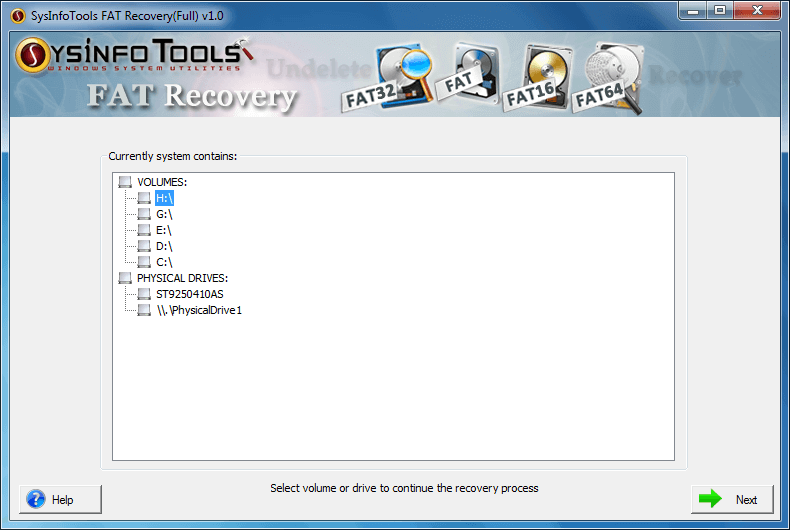
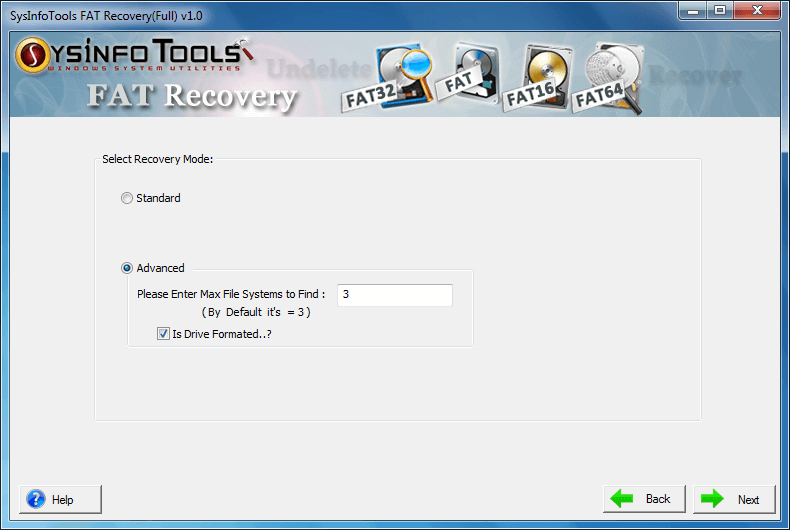
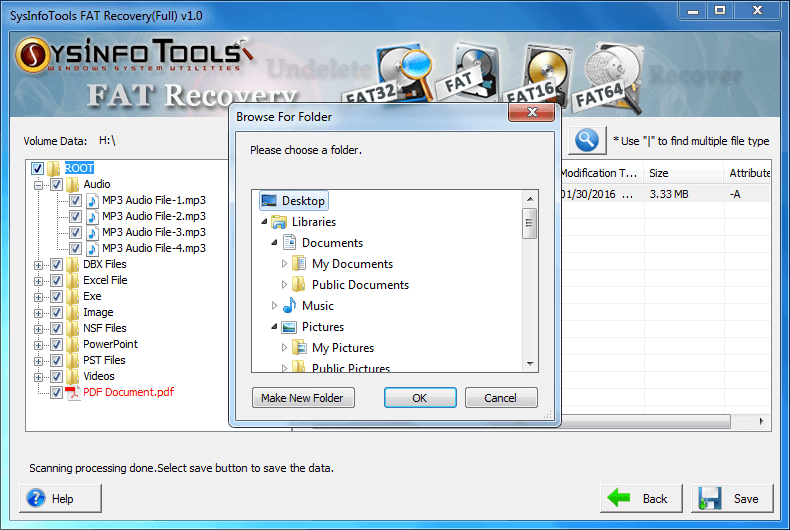
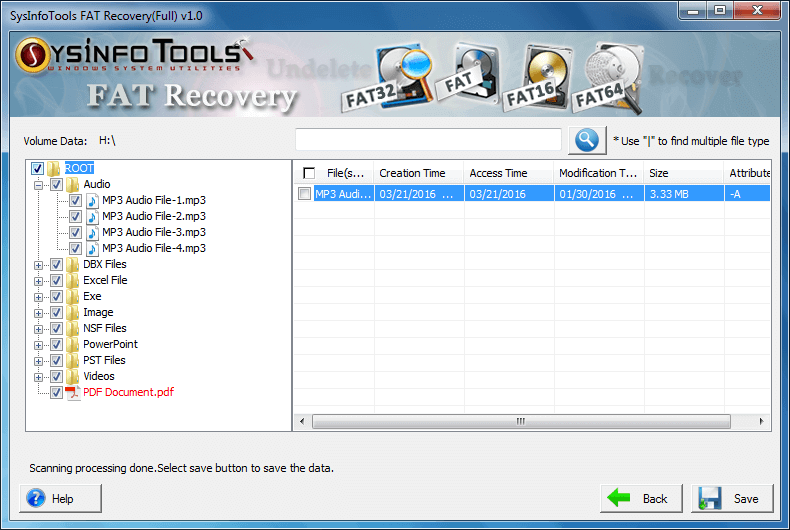
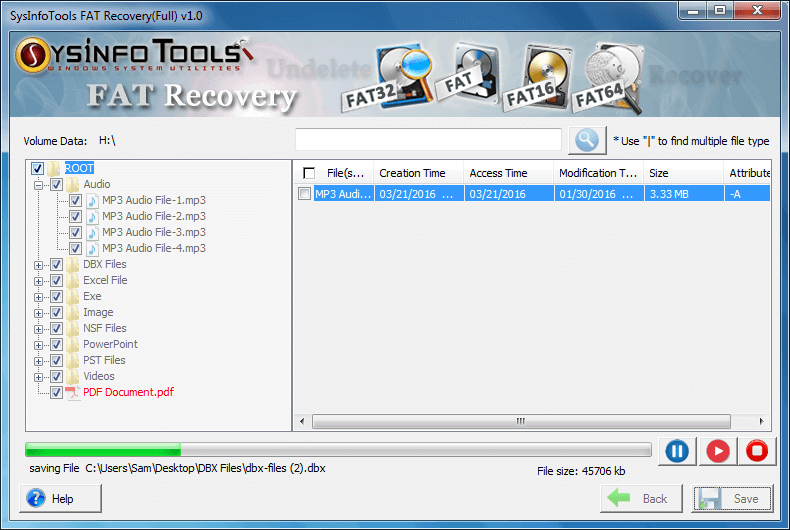
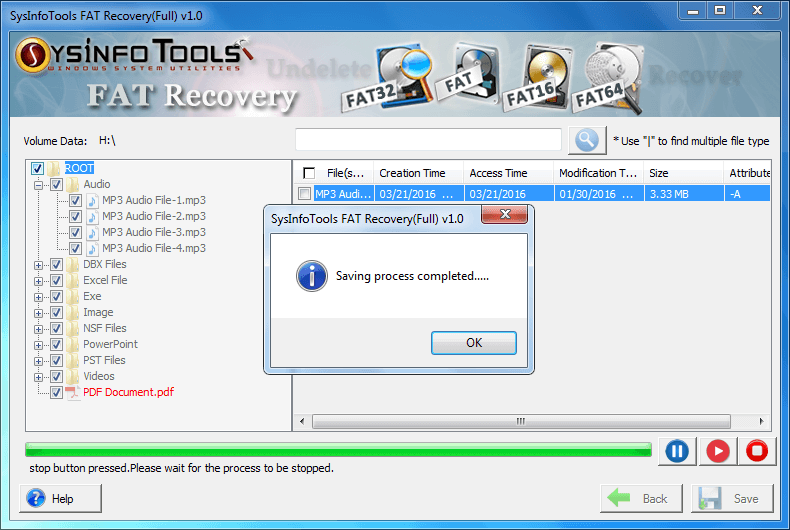
FAT16 Undelete from SysInfoTools is equipped with highly interactive interface, exclusively designed for our technical and non-technical users. Anyone can use this software without having any technical knowledge.

How to use this Software

A deleted file is an area on the disk that is mark as free ready to occupy by other files. If the area is not occupied by other files, the content of the deleted file is still present. Due to this fact, recovery of deleted file is possible. When you realize that file you need is deleted then immediately stop any write operation, closing or opening of any file or application because this can cause the creation of some temporary files that may overwrite the content of the deleted file.

If the location of the deleted file is same as where your operating system is installed then do not installed the software there, installed the software in any other hard disk, perform the recovery by making it secondary disk and get your crucial data back in just few clicks.

Key Features of FAT16 Undelete :-
  • Easy to use.
  • Easy to use as it has self descriptive interface.
  • Quick recovery of the deleted files.
  • Recovers files deleted by shift+delete files.
  • Recovers the audio and video files of any format.
  • Recovers files deleted from the recycle bin.
  • Supports Preview of more than 200 files format.
  • Recovers data from formatted, corrupt, damaged, or lost partitions.
  • Compatible with Windows 7, Vista, 2003, XP, and 2000.
Product Information:-
FAT16 Undelete Tool from SysInfoTools can be useful in the following scenario:
  • File emptied from recycle bin.
  • File deleted due to virus attacks.
  • File deleted due to formatting of hard disk.
  • File deleted using shift+delete keys.
  • Accidentally deleted files.
  • File deleted due system malfunctioning.
  • File deleted due to human errors.
Reasons to Buy:
  • 30 Day Money Back: SysInfoTools sells software with a full 30 day money back guarantee.
  • 24 Hour Support: Supported by technical staff to resolve customers’ software related queries.
  • Secure to Buy: SysInfoTools provide security by applying encryption from downloading the software to purchase the software to assure our customers that they are dealing with the right peoples for the software. Customers’ sensitive accumulation is always transmitted on assured servers.
  • Easy To Use: SysInfoTools software have simple user-friendly interface and are so easy to use that a non-technical user can also run the software without any extra prior knowledge. SysInfoTools provides live working video, screenshots and help manual for each software program so that user can clearly understand the software.
  • Additional Support: It has the inbuilt help manual and the animated demonstration for showing how to operate this software. Our website provides the online demo version to make it much easier for the customers to understand its operating procedure. Plus interactive GUI provided with full install /uninstall makes it much easier to use.
System Requirement
  • Processor: Pentium Class.
  • Operating System: Windows 7, Windows Vista, Windows XP, Windows 2008, 2003, 2000, NT and 98.
  • Memory: Minimum 256 MB (512 MB recommended).
  • Disk Space: No temporary file is created.